Choosing Your Account Type
What this is
The first screen of sign-up asks how you will use aligned.tax. Pick Individual if you file your own quarterly updates, and Tax Agent if you file for clients. The choice decides which screens you get, and it is not something you can switch yourself later, so it is worth a moment’s thought.
What you see on screen
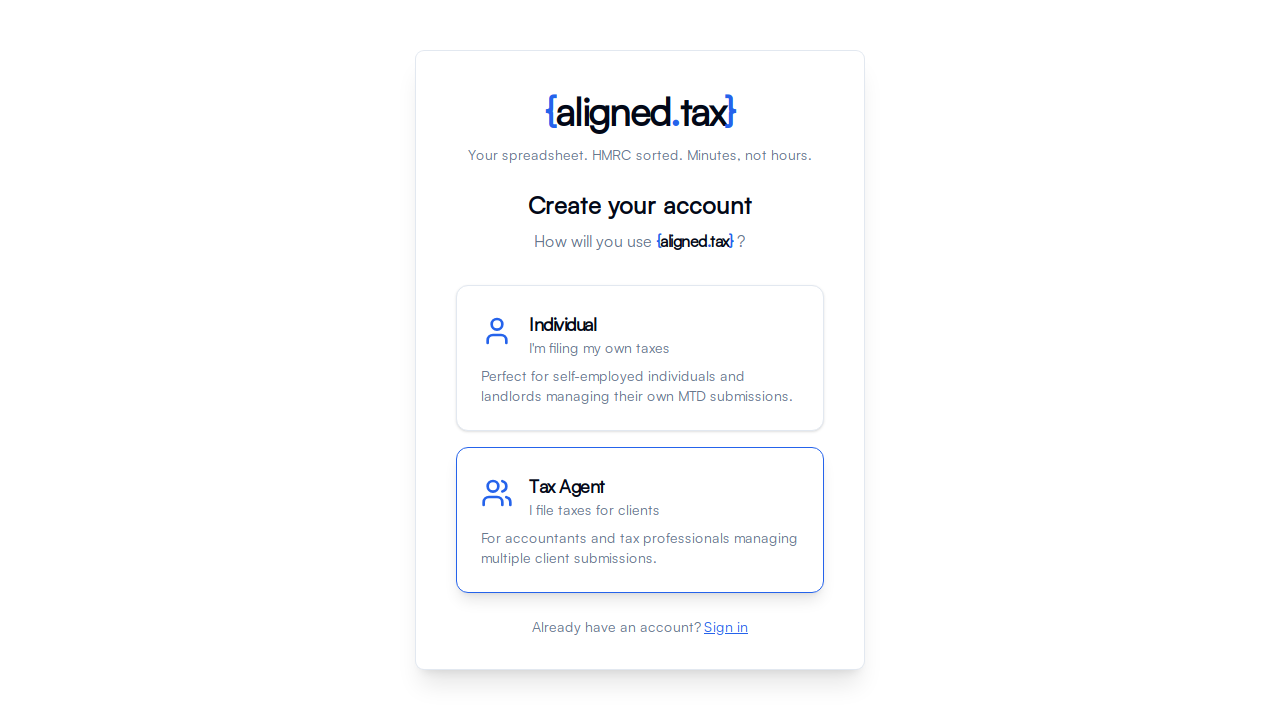
Create your account shows two cards under “How will you use aligned.tax?”:
- Individual - “I’m filing my own taxes”. Perfect for self-employed individuals and landlords managing their own MTD submissions.
- Tax Agent - “I file taxes for clients”. For accountants and tax professionals managing multiple client submissions.
Selecting a card opens the sign-up form for that type. A Sign in link is underneath for people who already have an account.
The two options explained
Individual
Choose this if you are a sole trader, a landlord, or anyone filing their own Making Tax Digital for Income Tax updates.
What you get:
- A setup wizard on first sign-in: verify your mobile, connect to HMRC with your own Government Gateway account, and file your first update.
- A personal home screen with your quarters, deadlines and progress for the tax year.
- My businesses, showing the income sources HMRC holds for you.
- Quarterly updates, where you choose a quarter and upload your spreadsheet. There is no client to pick, because everything is yours.
- Free, for filing your own MTD Income Tax quarterly updates.
Tax Agent
Choose this if you are an accountant, bookkeeper or tax practice acting for other people.
What you get:
- The Practice workspace: every client in one list with their journey status, next deadline, records request state and next action.
- Add Client and Import clients to bring clients in one at a time or from a spreadsheet, and HMRC agent authorisation through your Agent Services Account and Agent Reference Number.
- A client switcher in the header. Income Sources, Quarterly Statuses, Quarterly updates and Past Submissions all show the client you have selected.
- Records requests: ask a client for their quarterly spreadsheet through a private upload link.
Things to know
- This choice shapes everything. Sidebar labels, the home screen and the available actions all depend on it.
- Switching is not a setting. If you chose the wrong type, contact hello@aligned.tax. Do not sign up again with the same email address; it is already taken.
- Accountants who also file for themselves should choose Tax Agent and add themselves as a client. The agent journey covers both.
- A sole trader whose bookkeeper does the filing does not need an account at all. The bookkeeper signs up as a Tax Agent and adds them as a client. If a practice asks you for your records, you receive a private upload link and do not need to sign up.
FAQ
Can I change my account type later?
Not from within the app. Contact hello@aligned.tax and say which type you need.
Can I have both an individual and an agent account?
Only with two different email addresses. An agent account already covers filing for yourself, so one Tax Agent account is usually enough.
I am a sole trader with a bookkeeper. Which should I choose?
If your bookkeeper will use aligned.tax on your behalf, they sign up as a Tax Agent and add you as a client; you do not sign up. If you will file yourself, choose Individual.