Signing Up
What this is
Signing up creates your aligned.tax account. You choose whether you are filing for yourself or for clients, fill in a short form, and verify your email address. It takes a couple of minutes and is free for individuals filing their own MTD Income Tax quarterly updates.
What you see on screen
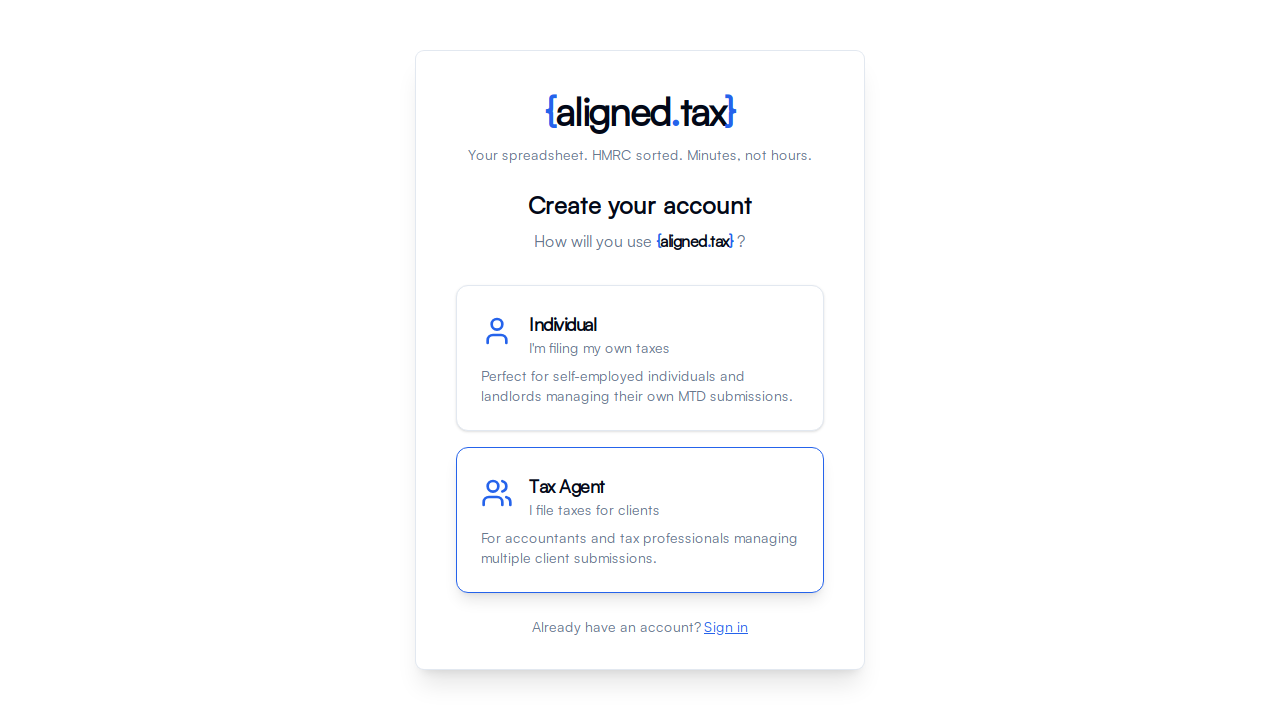
Sign-up starts at Create your account, which asks “How will you use aligned.tax?” and offers two cards:
- Individual - “I’m filing my own taxes”. For self-employed people and landlords managing their own MTD submissions.
- Tax Agent - “I file taxes for clients”. For accountants and tax professionals managing submissions for several clients.
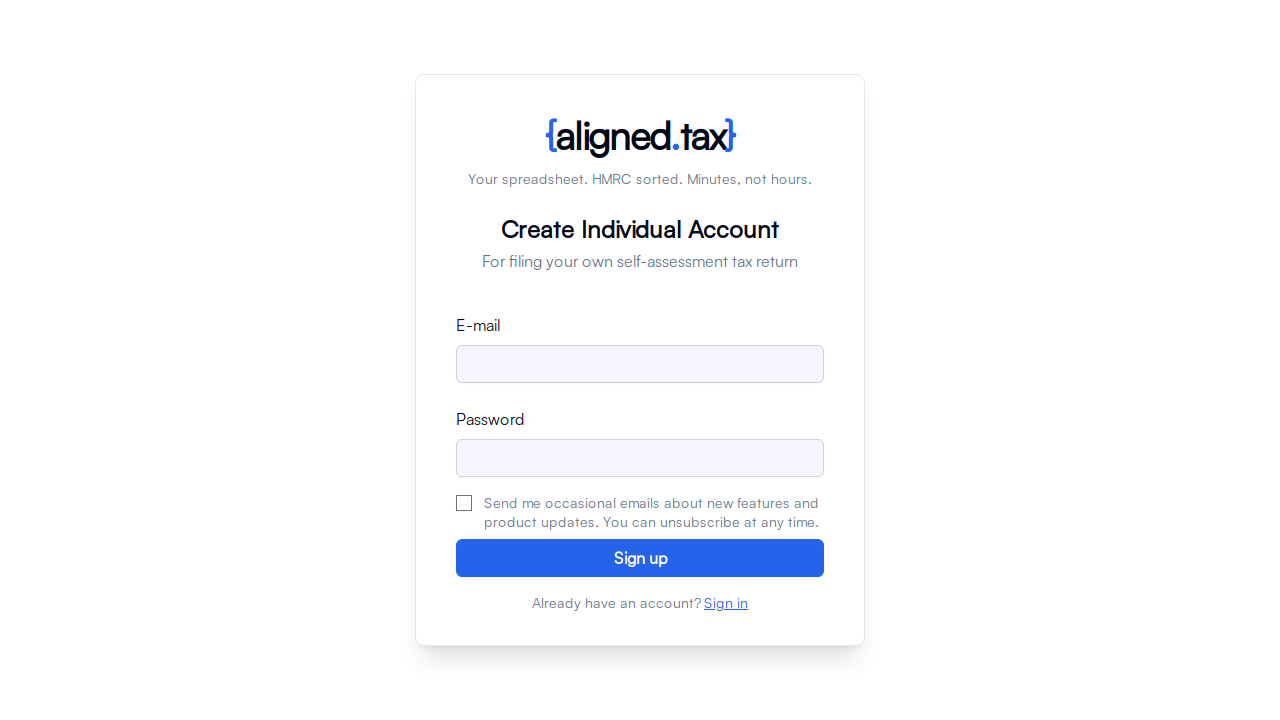
Choosing a card opens the form for that account type. Create Individual Account and Create Agent Account ask for:
- E-mail - this is also your login name and appears in the header once you are signed in
- Password - at least 8 characters
- First name and Last name - the person creating the account
- Practice Name - agent accounts only, at least 2 characters
- How did you hear about us? - pick the closest option
- A checkbox to agree to the Terms of Service and confirm you have read the Privacy Policy
- An optional checkbox to receive product updates by email
There is a Sign in link at the bottom if you already have an account.
How to sign up
- Go to app.aligned.tax/choose-account.
- Choose Individual or Tax Agent. If you are unsure, read Choosing Your Account Type first.
- Enter your email address and a password of at least 8 characters.
- Enter your first name and last name. Agents also enter the practice name clients will recognise.
- Choose how you heard about aligned.tax.
- Tick the box to agree to the Terms of Service and Privacy Policy.
- Click Sign up.
- Open the verification email from aligned.tax and click the link in it.
- Sign in. Individuals land on the setup wizard; agents land on the practice workspace.
Things to know
- Email verification is required. You cannot sign in until you have clicked the link in the verification email. Check your spam or junk folder if it does not arrive within a few minutes.
- One account per email address. An address that already has an account cannot be used for a second one.
- The account type cannot be switched later from within the app. Choose carefully; see Choosing Your Account Type.
- Your name is not your client’s name. It identifies the account holder. Clients, practice names and HMRC identifiers are entered later.
- Mobile verification comes next. After your first sign-in you are asked to verify a mobile number by text message. This is a security step for your account, not an HMRC requirement.
FAQ
I did not receive the verification email. What should I do?
Check your spam or junk folder first, then make sure you are looking in the inbox for the address you typed. Signing up again with the same address resends the link.
Can I sign up with a Google or social media account?
No. aligned.tax uses email and password sign-in only.
Do I need a Government Gateway account to sign up?
Not to sign up. You need one when you connect to HMRC, which is the next step after your first sign-in.